
Higgsfield.ai: आज के डिजिटल युग में AI Influencer एक नया और बहुत तेज़ी से बढ़ता हुआ ट्रेंड है। बड़े ब्रांड अब रियल इंसान की जगह AI Instagram Models के साथ काम कर रहे हैं। अगर आप भी सोच रहे हैं कि 100% realistic, 4K quality AI influencer कैसे बनाया जाए, तो यह पूरा आर्टिकल आपके लिए है।
इस गाइड में हम सीखेंगे कि Higgsfield.ai वेबसाइट का उपयोग करके प्रोफेशनल लेवल का AI Influencer कैसे बनाया जाए, जिसे आप Instagram, Reels, Ads और Brand Collaboration में इस्तेमाल कर सकते हैं।
AI Influencer क्या होता है?
AI Influencer एक computer-generated virtual model होता है, जो दिखने में बिल्कुल रियल इंसान जैसा लगता है। यह AI से बनाया जाता है और इसे आप:
- Instagram पोस्ट
- Reels
- Brand Promotion
- Affiliate Marketing
- Fashion / Lifestyle Content
के लिए इस्तेमाल कर सकते हैं।
👉 सबसे बड़ा फायदा: No camera, no shoot, no model cost
Higgsfield.ai क्या है?
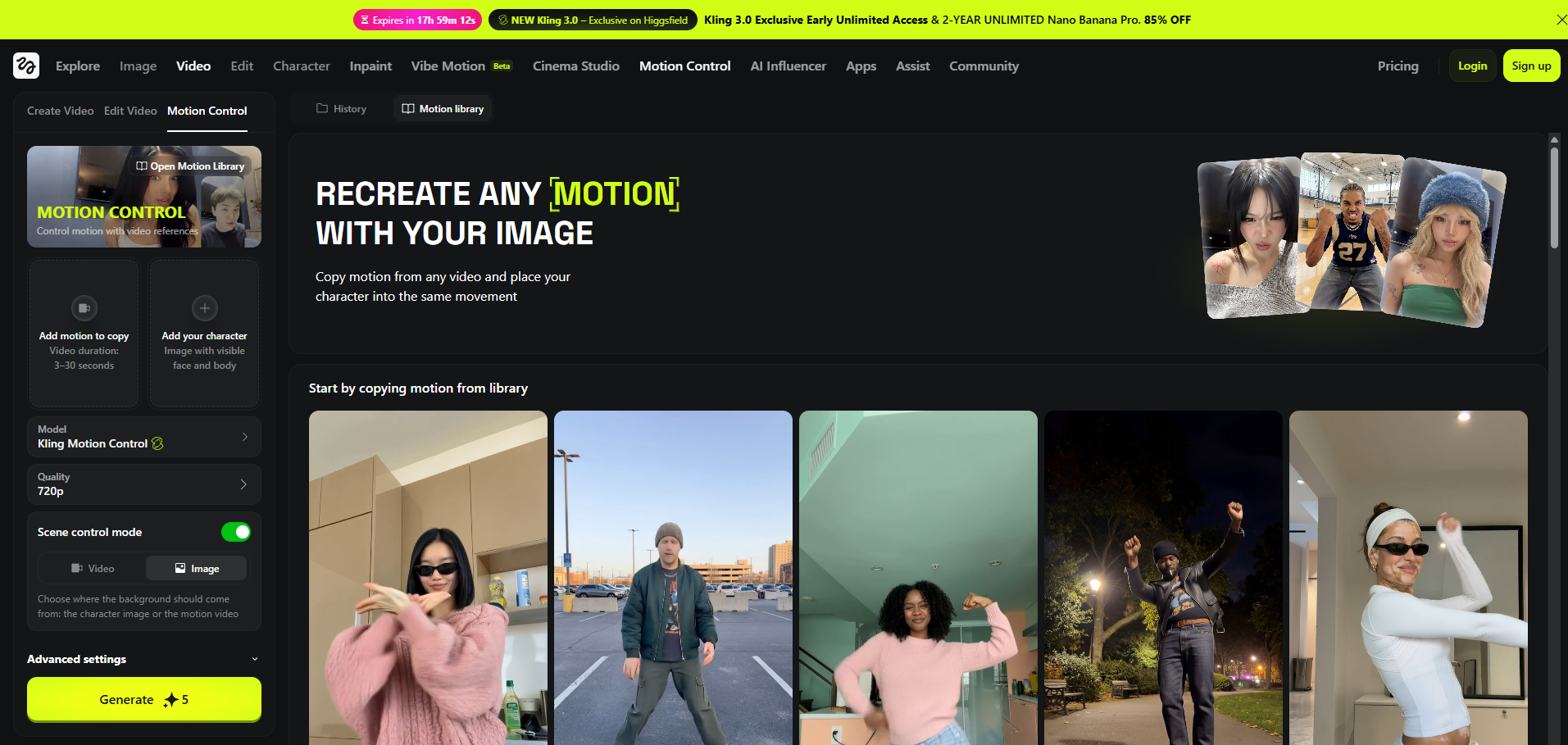
Higgsfield.ai एक advanced AI platform है जो ultra-realistic humans, photos और videos generate करता है। यह खास तौर पर:
- Realistic facial details
- Natural skin texture
- Professional lighting
- 4K output
के लिए जाना जाता है।
यही कारण है कि AI Influencer बनाने के लिए यह टूल सबसे ज़्यादा पॉपुलर है।
Step-by-Step: Higgsfield.ai से AI Instagram Model कैसे बनाएं
Step 1: Higgsfield.ai वेबसाइट खोलें
सबसे पहले अपने browser में higgsfield.ai ओपन करें और:
- Sign Up / Login करें
- Free या Paid Plan चुनें (High realism के लिए paid बेहतर रहता है)
Step 2: Human / Character Generator चुनें
Dashboard में आपको Human / Character Creation का option मिलेगा।
यहाँ आप decide करेंगे:
- Male या Female influencer
- Age (18–30 best for Instagram)
- Face structure
- Skin tone
👉 Tip: Instagram audience के हिसाब से natural look चुनें
Step 3: Face & Body Customization (सबसे ज़रूरी स्टेप)
यह स्टेप आपके AI Influencer को 100% realistic बनाता है:
- Eyes: Natural shine और realistic size
- Nose: Slight imperfections रखें
- Lips: Over-perfect न बनाएं
- Skin: Texture ON रखें (smooth skin fake लगती है)
- Body proportions: Realistic रखें
🔥 Pro Tip: “Too perfect” चेहरे से बचें
Step 4: Outfit & Styling
अब अपने AI Model को Instagram-ready बनाएं:
- Casual wear (Reels के लिए)
- Fashion outfit (Brand Collab के लिए)
- Gym / Lifestyle look
Background में:
- Studio light
- Cafe / Street
- Luxury indoor setup
Step 5: Lighting & Camera Settings
Realism का 50% हिस्सा lighting से आता है:
- Soft natural lighting चुनें
- Harsh shadows avoid करें
- Camera angle: Eye-level best रहता है
- Depth of field थोड़ा blur रखें
Step 6: 4K Quality Export
जब सब सेट हो जाए:
- Resolution: 4K (Ultra HD)
- Format: Instagram compatible (1:1 या 4:5)
- Sharpness: Medium
अब आपकी AI Influencer फोटो Instagram के लिए तैयार है।
AI Influencer के लिए Instagram Profile कैसे बनाएं?
Username Ideas:
- @its.ava.ai
- @luna.virtual
- @nora.ai.model
Bio Example:
“✨ Digital Creator | AI Model
📸 Virtual Fashion & Lifestyle
🤝 Collabs: DM”
Content Strategy (AI Influencer को Grow करने के लिए)
Posting Ideas:
- Lifestyle photos
- Outfit of the day (OOTD)
- AI Reels (slow zoom, motion effect)
- Motivational captions
Posting Frequency:
- 1 Reel daily
- 3–4 Posts weekly
- Daily stories
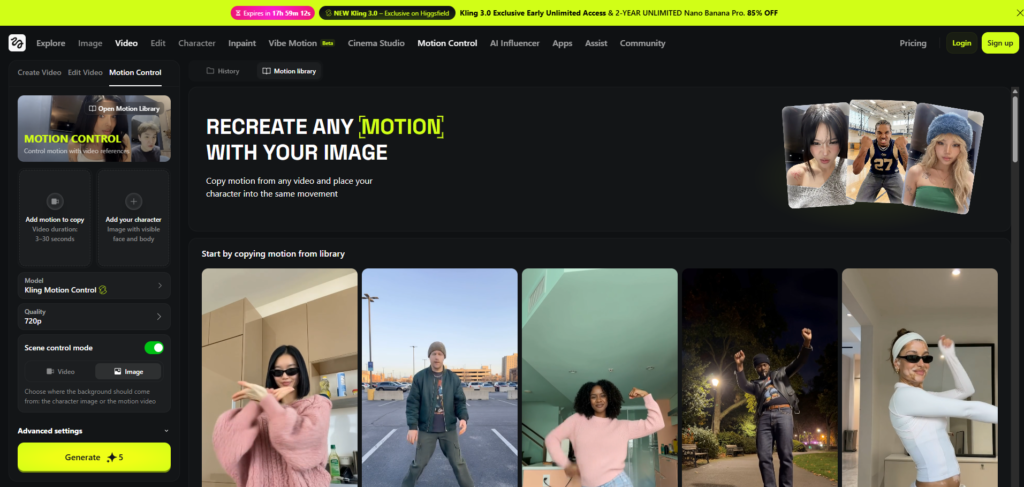
Make real life ai Influencer | 100% realistic ai influencer 4k | Ai Instagram Model
AI Influencer से पैसे कैसे कमाएं?
आप अपने AI Instagram Model से कई तरीकों से earning कर सकते हैं:
- Brand Collaboration
- Affiliate Marketing
- Paid Promotions
- Digital Product Promotion
- Instagram Reels Bonus (अगर eligible हों)
👉 कई creators $500–$5000/month तक कमा रहे हैं।
Legal & Safety Tips (ज़रूरी पढ़ें)
- Fake human identity claim न करें
- Bio में “AI / Virtual” mention करें
- किसी real person की copy न बनाएं
- Platform policies follow करें
Final Words
अगर आप future-proof digital business बनाना चाहते हैं, तो AI Influencer एक शानदार मौका है। Higgsfield.ai की मदद से आप बिना camera, बिना studio और बिना model के 100% realistic 4K AI Instagram Model बना सकते हैं।
Consistency + Creativity = Success 🚀
अगर आप चाहें तो मैं:
- AI Influencer नाम
- Instagram bio
- Viral captions
- Reels script